Jump to your step
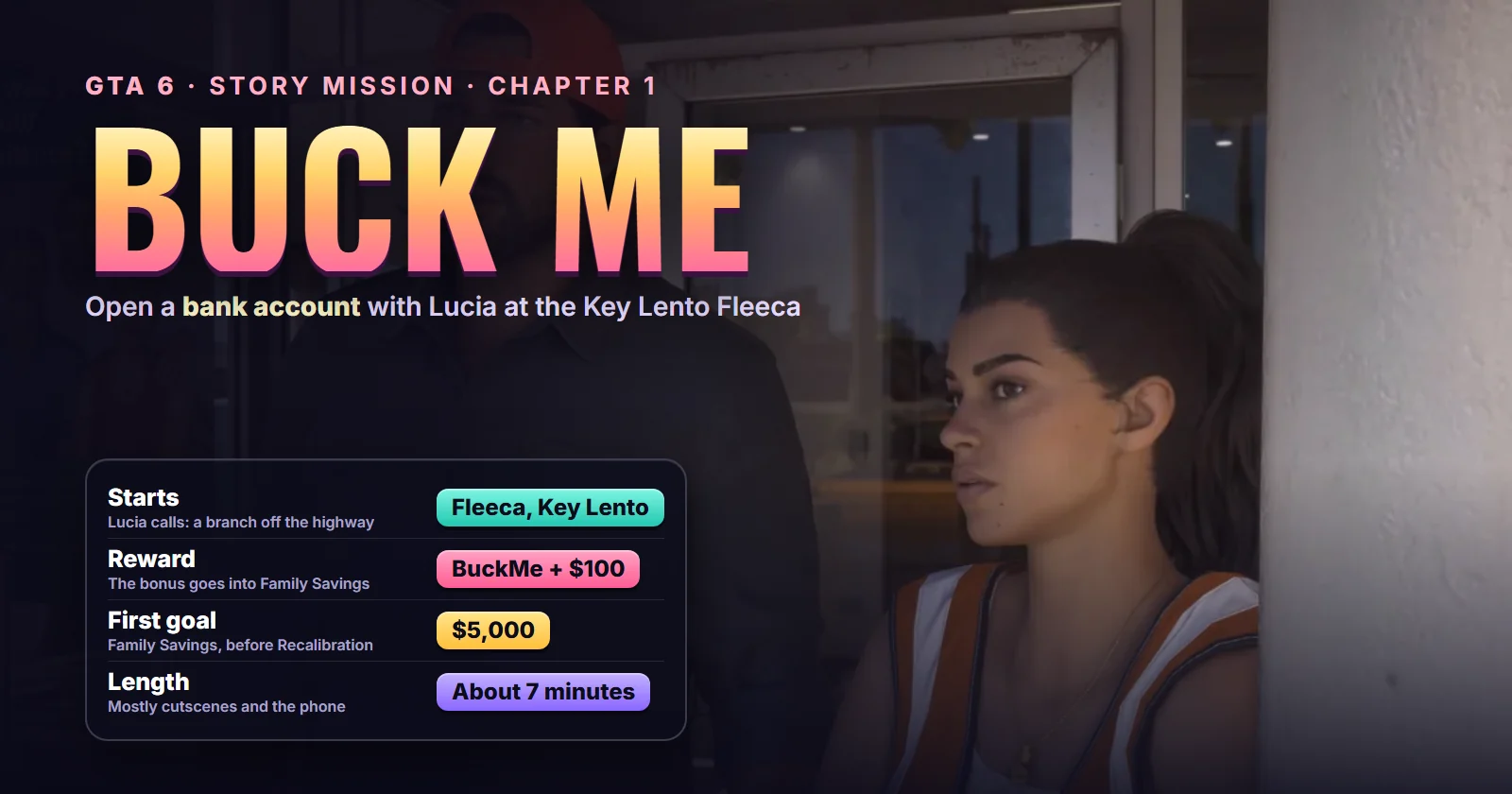
Buck Me: quick facts
| Mission | Buck Me, story mission #15 in the mission database (GTA Series Videos numbers it #12) |
| Chapter | Chapter 1 |
| You play as | Jason Duval |
| Given by | Lucia Caminos, by phone |
| Where it starts | The Fleeca branch off the highway in Key Lento (task name: Set Up Bank Account) |
| Unlocks after | Coming Home (#13), the same day |
| Runs alongside | Clean Up After Donnie (#14) |
| Unlocks next | Down to Earth (#16) once Clean Up After Donnie is also done; the Deposit Cash Into BuckMe and Save for the Future tasks |
| Length | About 7 minutes, most of it cutscenes |
| Reward | The BuckMe app and a $100 welcome deposit |
| Trophy | None |
| Required for 100% | Yes |
Mission briefing Story setup, how it unlocks and where it starts. Contains spoilers.
How to unlock Buck Me
Buck Me opens after Coming Home, the mission where Jason collects Lucia from Hamlet Correctional. The mission database puts Lucia’s call about half a day later. Before the call, the job may already sit in the map’s task list as Set Up Bank Account: “Lucia needs a bank account to get her community service payments.” Both full runs we watched open on that entry, with the bank blip on the Key Lento strip.
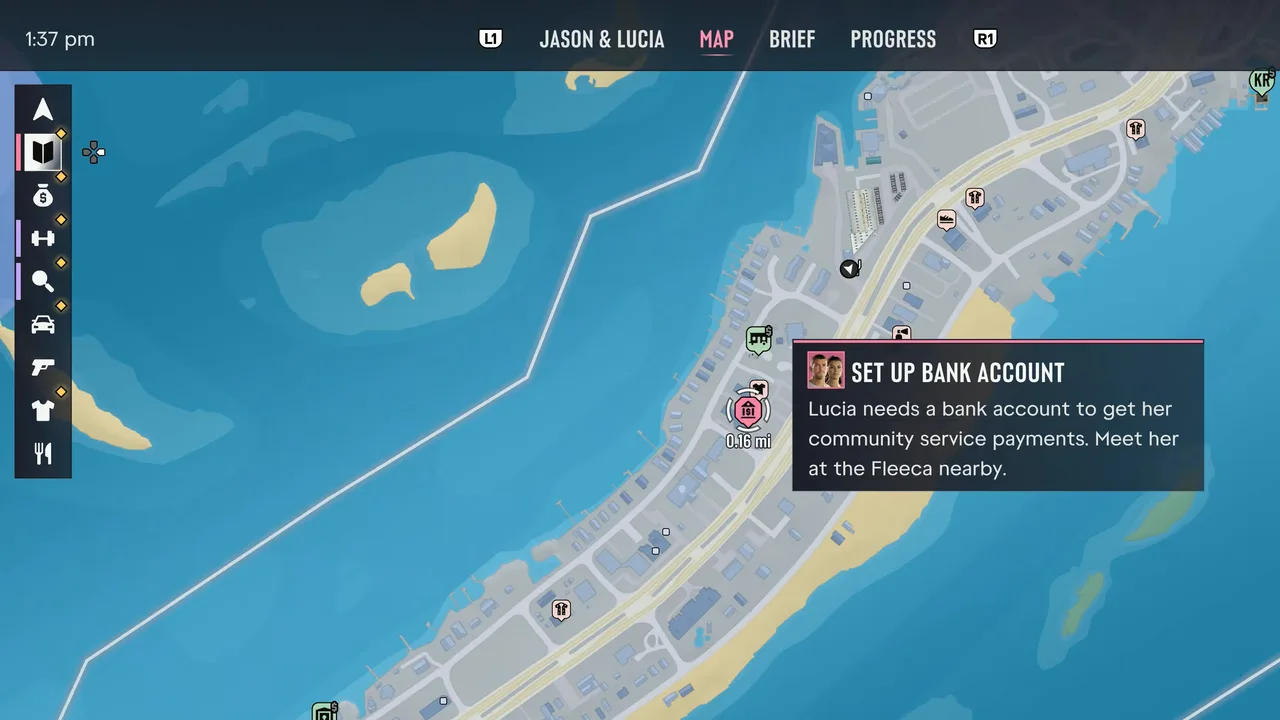 The Set Up Bank Account task on the map, with the Fleeca blip on the Key Lento highway. Footage: GTA Series Videos.
You can do it before or after Donnie’s search for his lost package (Clean Up After Donnie). Brian’s next job, Down to Earth, waits until both are done.
Where it starts: the Fleeca branch on the highway through Key Lento, a short drive from Jason’s house. Show the Key Lento Fleeca on the live map.
The story so far
Lucia is out on early release with an ankle monitor and a highway work detail, and the state pays her for it, about two dollars an hour by her own count. Her case officer needs an account to send the money to. Jason has never had one: Brian pays him in cash, he lives in Brian’s house rent-free, and he thinks a bank account just puts you “in the system”. Lucia, a mother with a young son back in Liberty State, isn’t impressed. More on both in our characters guide.
This walkthrough follows GTA Series Videos’ full run, checked against Trophy Tom’s and GameRiot’s.
Step 1: Take Lucia’s call
Lucia rings once you head out. In GTA Series Videos’ run the call came a few seconds after leaving the map with the task selected, early in the afternoon in-game. She asks to borrow his account number for her pay, finds out he hasn’t got one, and tells him to meet her at “a Fleeca off the highway” and text her when he’s there. She’ll take a break from her work crew and come down.
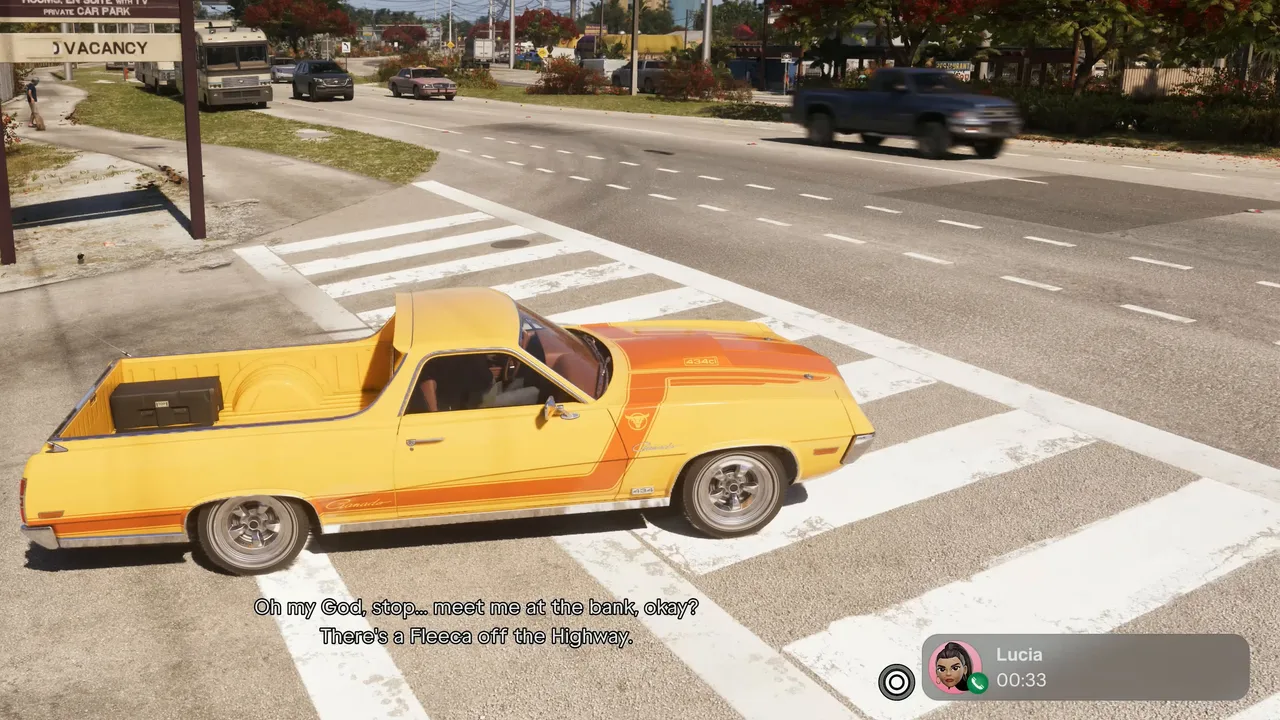 Lucia’s call. She names the branch: the Fleeca off the highway. Footage: GTA Series Videos.
Step 2: Drive to the Fleeca off the highway
When the call ends, a text from Lucia drops a location pin (“This one, meet here”) and the map updates with the route. Follow the highway to a small strip-mall branch with green awnings and a “Financial Services” sign over the ATM. Park in the lot and walk to the doors.
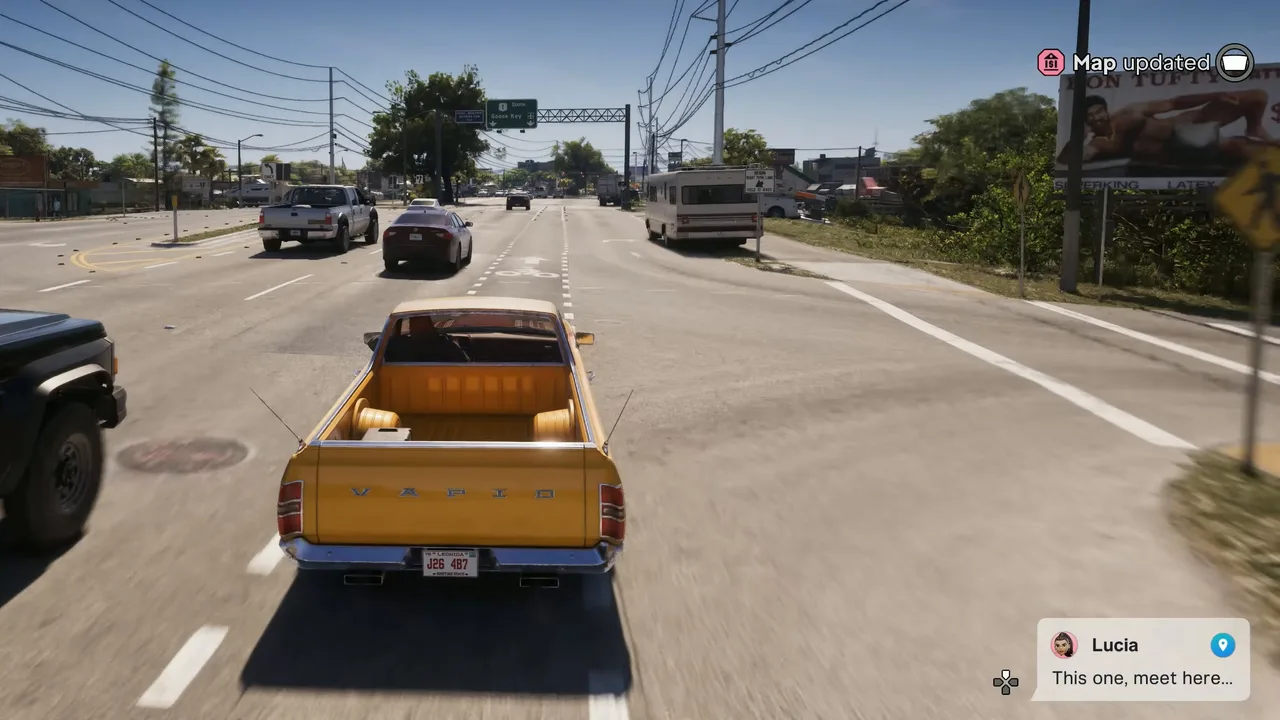 Lucia’s text pins the branch for you. Footage: GTA Series Videos.
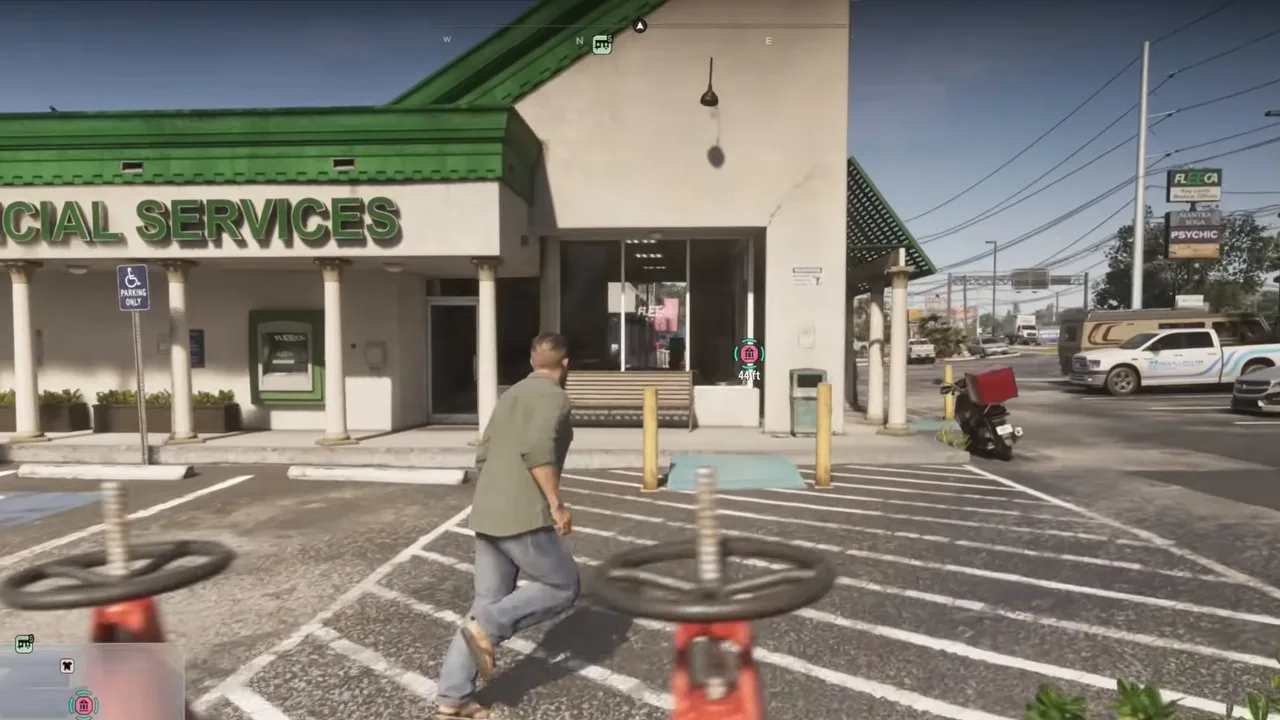 The Key Lento Fleeca. The same lot has an ATM in the wall you’ll use later. Footage: Trophy Tom.
The Buck Me title appears as you step inside, and Jason texts Lucia on his own: he’s at the bank, let’s set this up. In MrDalekJD’s footage she replies that she’s on her way and you should start without her.
Step 3: Ask the teller about an account
The teller sits at the counter on the left, busy talking a customer through some software. Walk up and use the Teller prompt (L2 on PlayStation) to ask about opening an account.
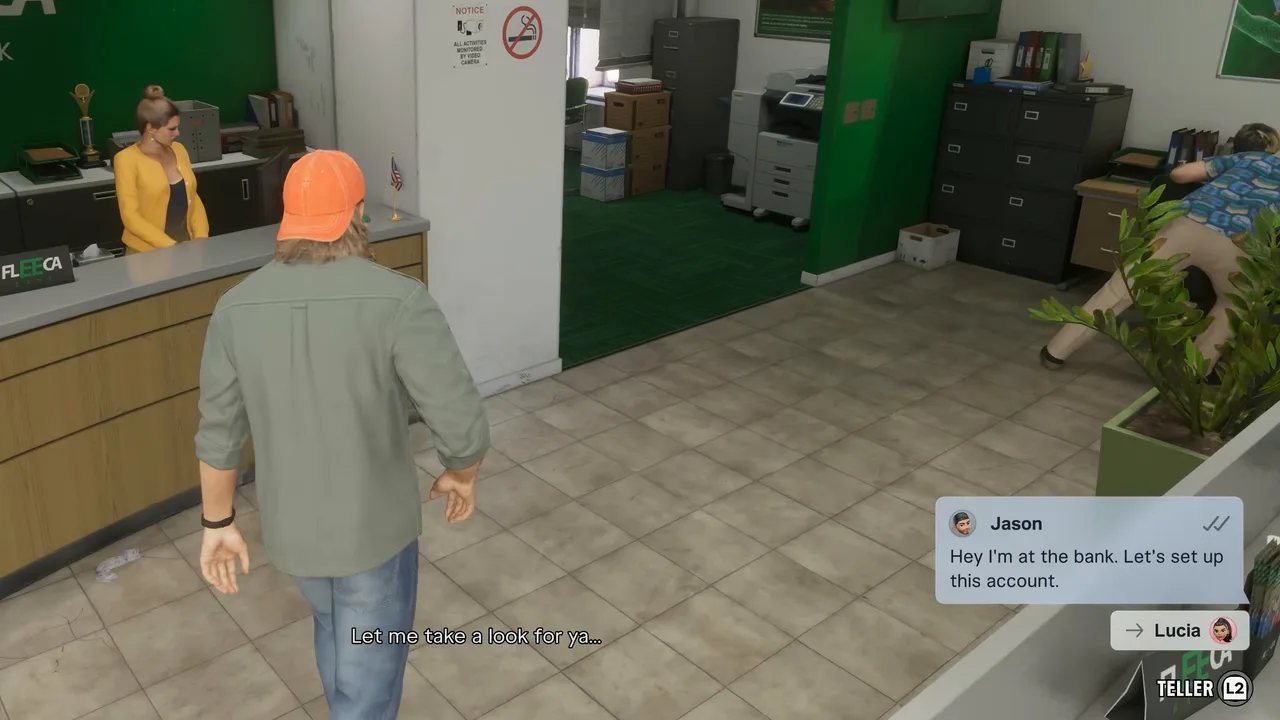 Jason’s automatic text to Lucia, and the Teller prompt bottom right. Footage: GTA Series Videos.
She can’t help with that herself. The objective switches to Speak to the manager: he’s the man in the blue fish-print shirt by the desks on the right.
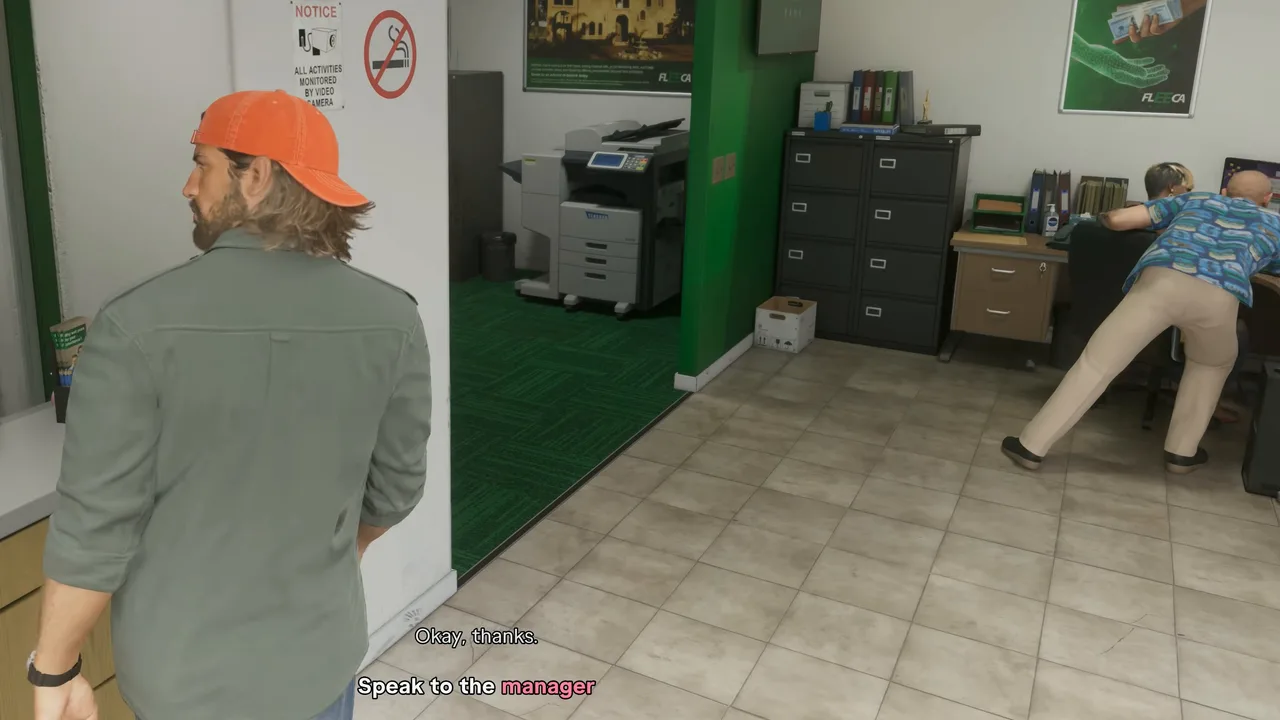 The manager is helping a co-worker at the back. Footage: GTA Series Videos.
Step 4: Speak to the manager and follow him
Walk over and use the Manager prompt. He leaves his co-worker to retype some numbers and leads Jason into his glass-walled office in the back corner. Follow him in and take a seat. The rest of the visit plays out as a conversation, then a cutscene.
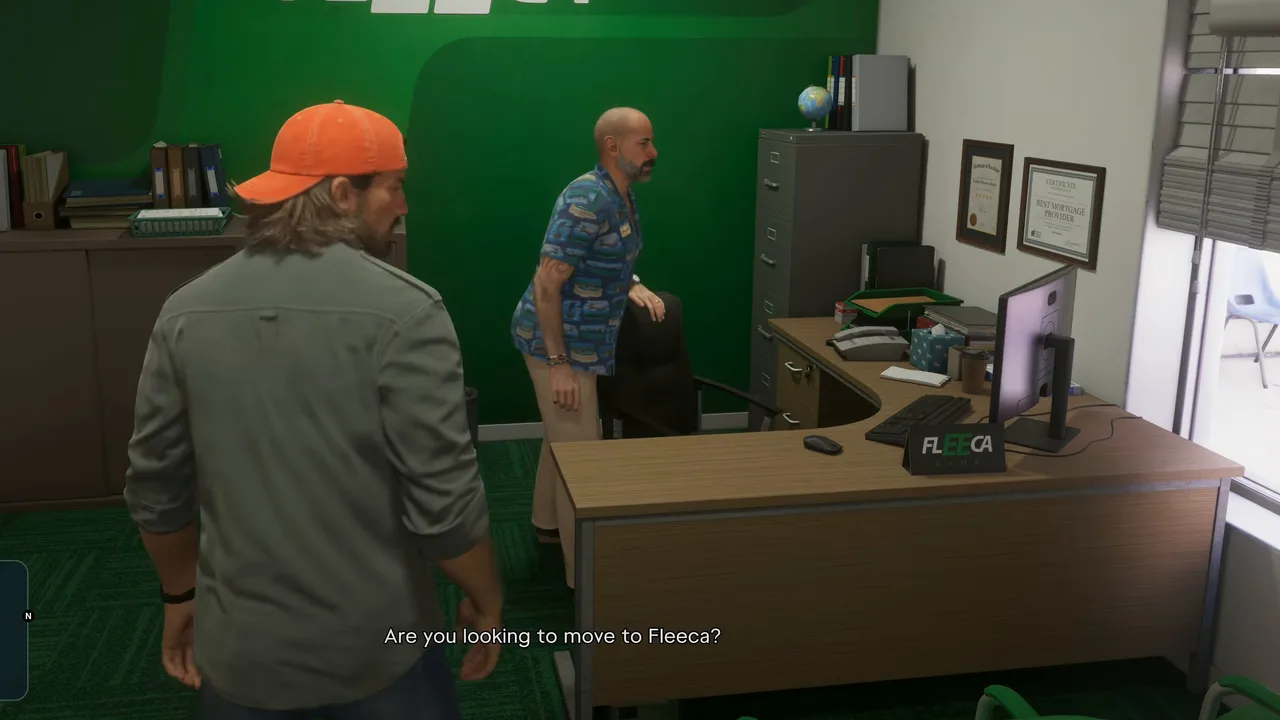 The manager’s office in the back. Footage: GTA Series Videos.
Step 5: Sit through the credit check
The manager assumes Jason is switching banks. Jason admits he has no account at all: they tried to set him up with one when he left the army and he never got round to it. He hands over ID and mentions his girlfriend needs one too, fresh out of prison on the release program.
Lucia arrives mid-meeting in her orange work-detail vest and raises the stakes. On top of the accounts she wants a loan, a line of credit, maybe a mortgage, so they can buy the house from Brian. If anything happens to Brian, she points out, they’re out on the street. Jason says he has some cash saved for a deposit. The manager suggests a veterans’ loan, but Jason left the army on bad terms and doesn’t qualify.
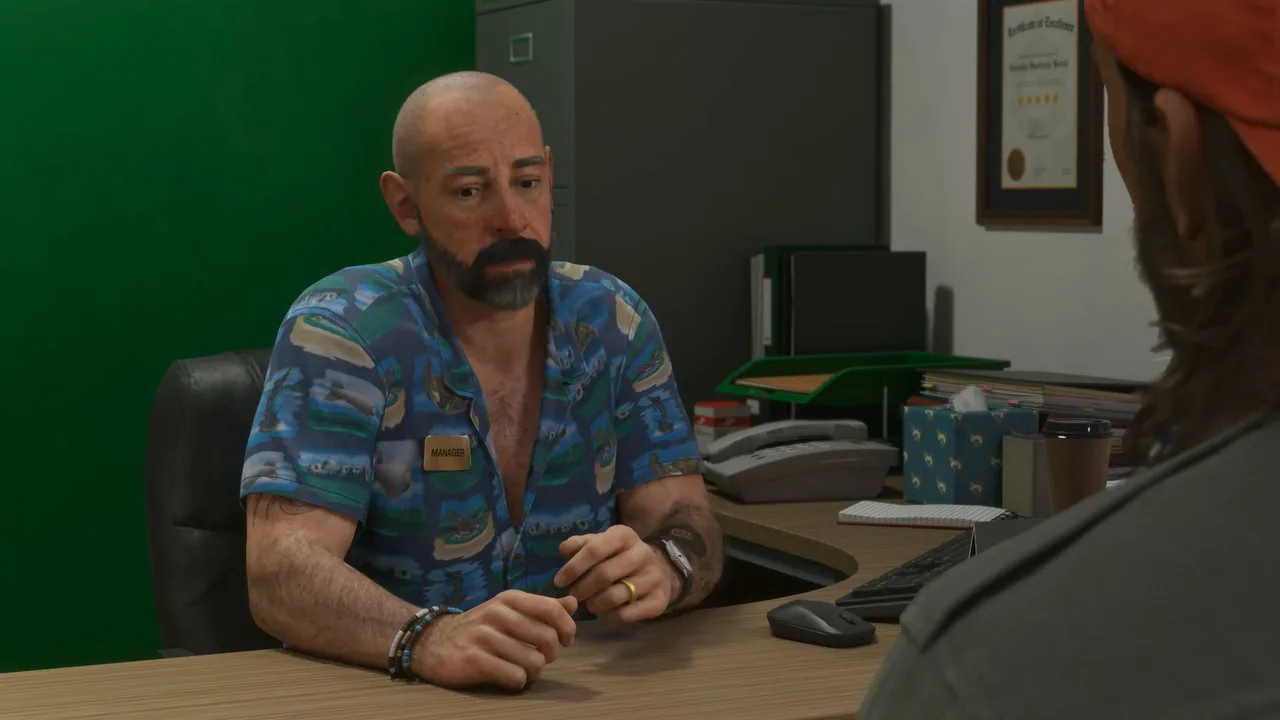 The manager runs Jason’s credit. The verdict isn’t kind. Footage: GTA Series Videos.
Then the verdict: Jason’s credit is so bad the system won’t open him even a basic account, let alone a mortgage. The best the manager can do is BuckMe, an app on your phone with transaction limits. Lucia asks if she looks like a stripper or a drug dealer. He tells them to build up their credit and come back for a real account. She takes the app link anyway.
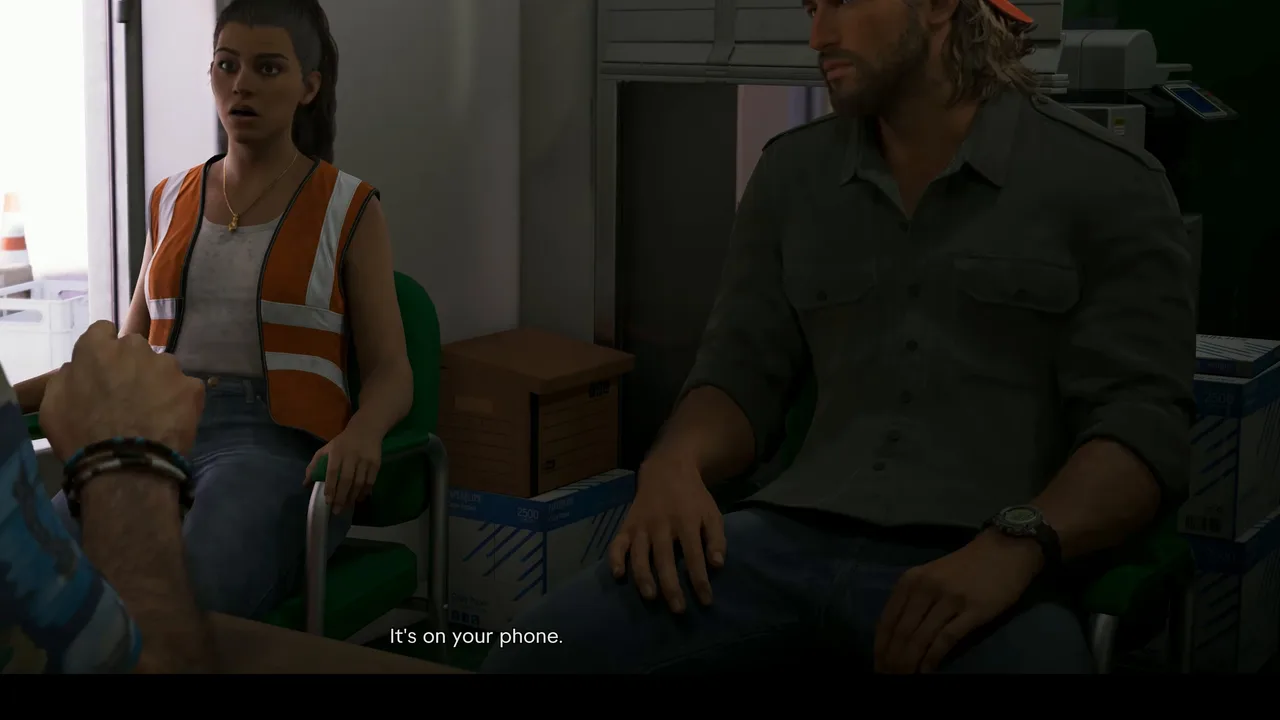 Lucia hears that their bank is going to be a phone app. Footage: GTA Series Videos.
Outside the branch, a pizza offer turns into the couple’s first BuckMe joke.
Step 6: Open BuckMe at home
The scene moves to Jason’s house that night. Over pizza, the two of them look at a photo of Lucia’s son Tommy, growing up fast while she serves out her release. Jason has spotted that the app has a joint savings account: once money goes in, nobody can touch it. Maybe they could start putting something away for the little man.
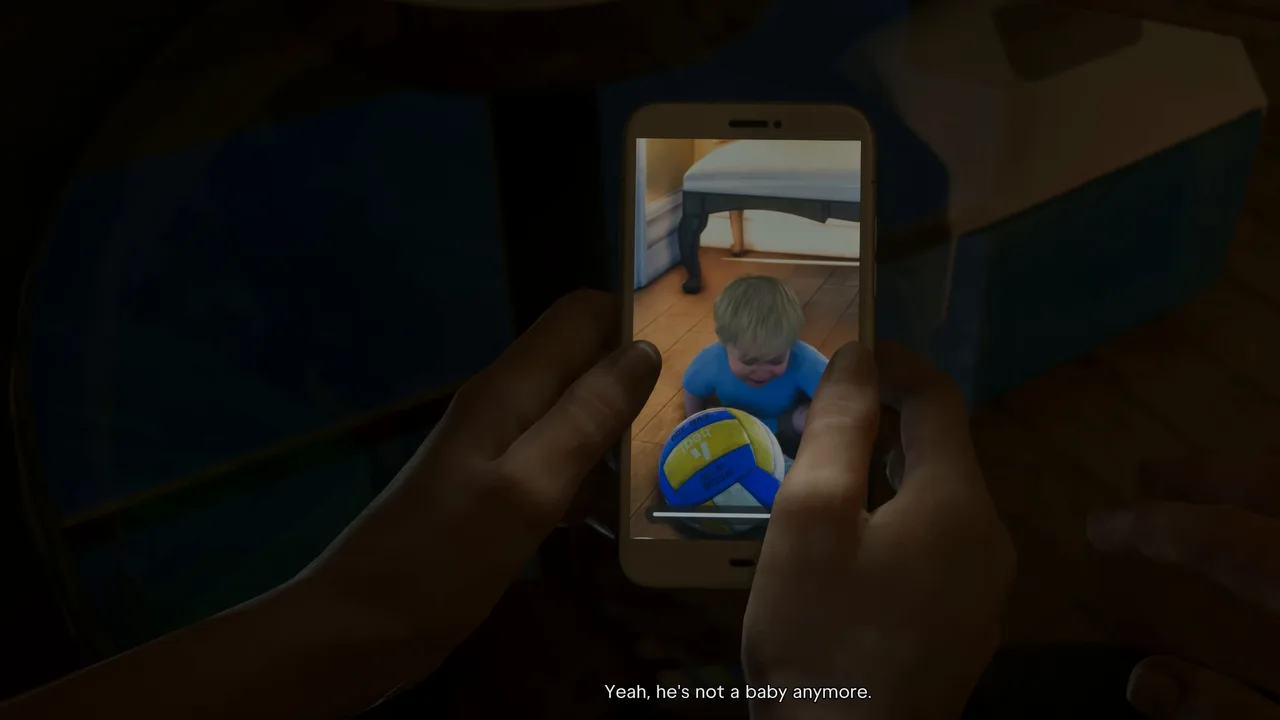 Lucia’s photo of Tommy sets up the Family Savings idea. Footage: GTA Series Videos.
Control comes back inside the house. A notification arrives: welcome to BuckMe, the payment app from Fleeca, with $100 in your new Standard Checking Account. Lucia keeps chatting (her Tía Lorena, who is looking after Tommy, says he’s fine) while the game shows you how to use the phone.
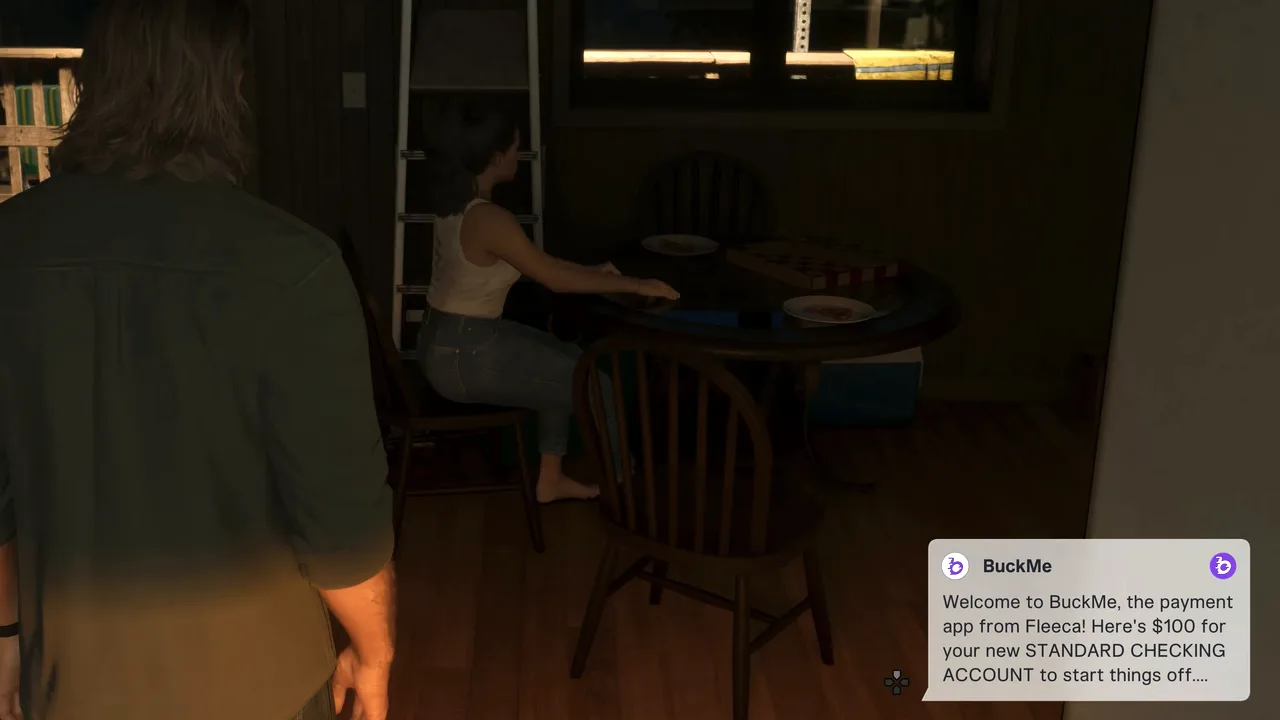 The $100 welcome bonus arrives as a phone notification. Footage: GTA Series Videos.
The objective is Open BuckMe. Press up on the d-pad (PlayStation) to bring out the phone and pick the purple “b” icon.
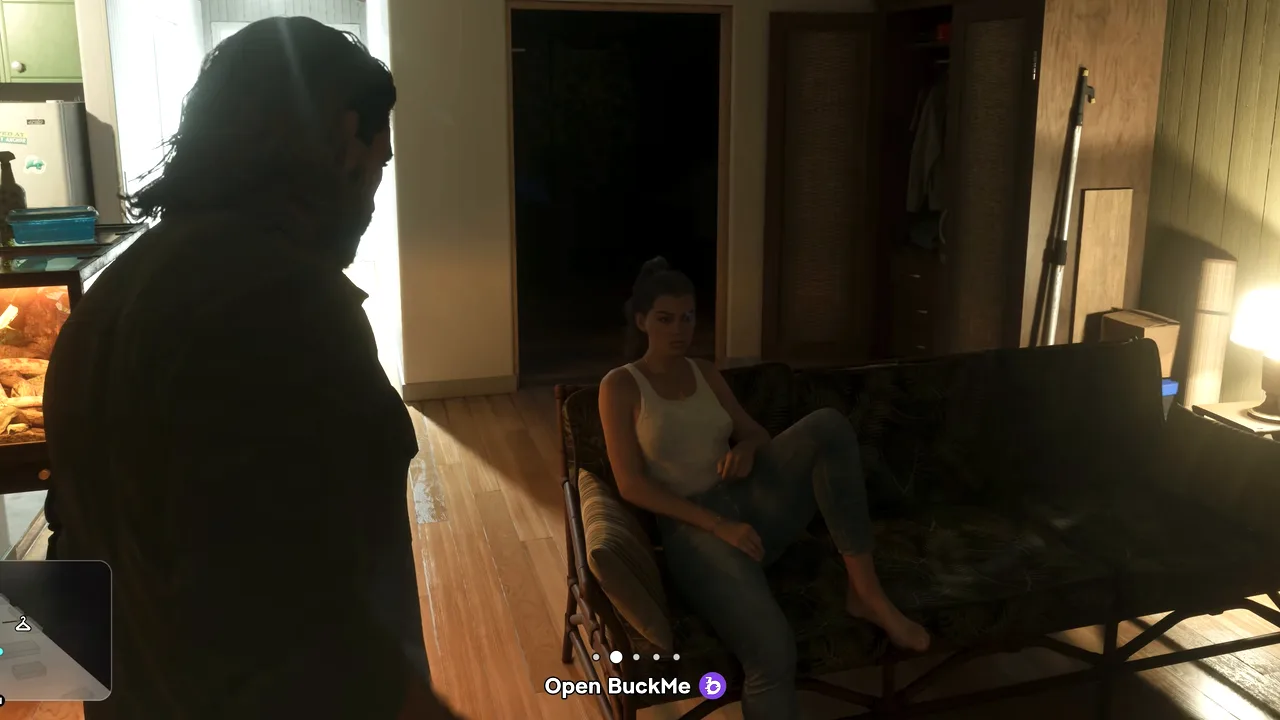 Open BuckMe: the purple “b” on your phone’s home screen. Footage: GTA Series Videos.
The first launch plays a short cartoon ad, about half a minute long, that shows a family losing everything for not saving with BuckMe, right down to a loan shark threatening to break a leg. Then a few intro slides explain the two accounts. One promises that Family Savings can only be accessed by named beneficiaries. Click through them: the objective reads Select your checking account while they run.
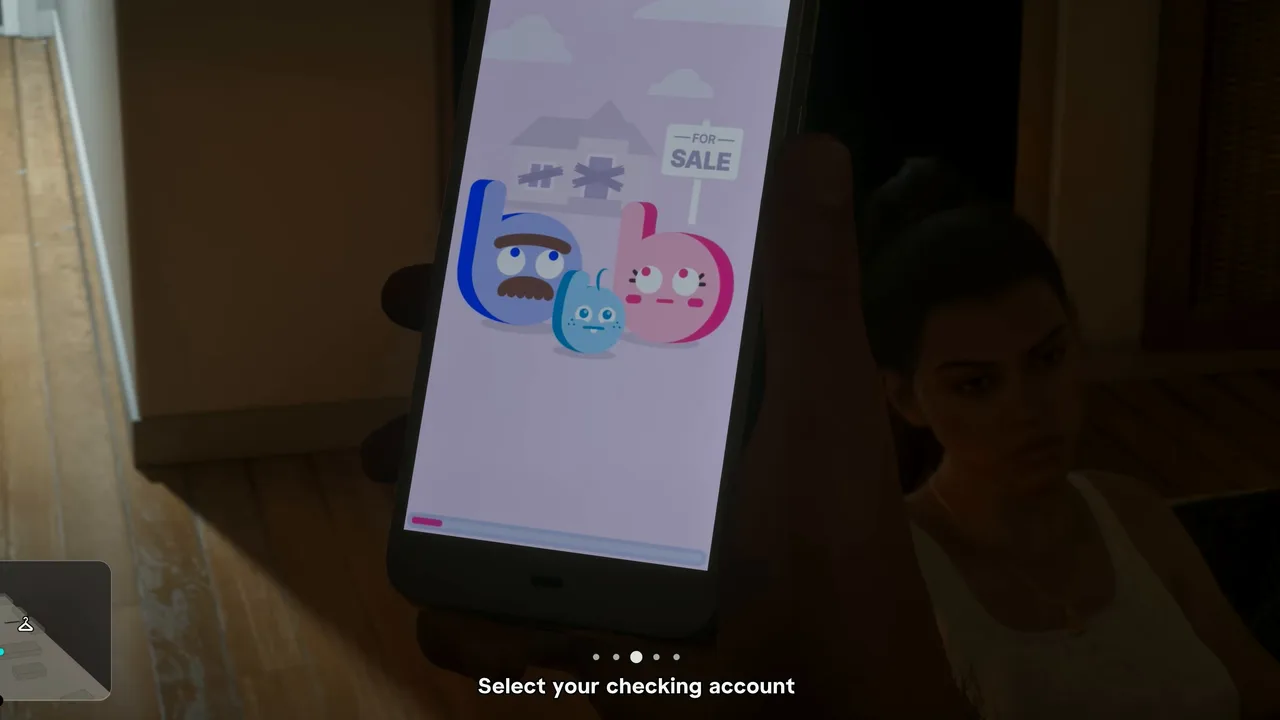 The app’s intro cartoon. Just let it play. Footage: GTA Series Videos.
Step 7: Move the $100 into Family Savings
The app’s main screen has two cards: Checking Account with $100 and Family Savings with $0 and “$5,000 to next goal”.
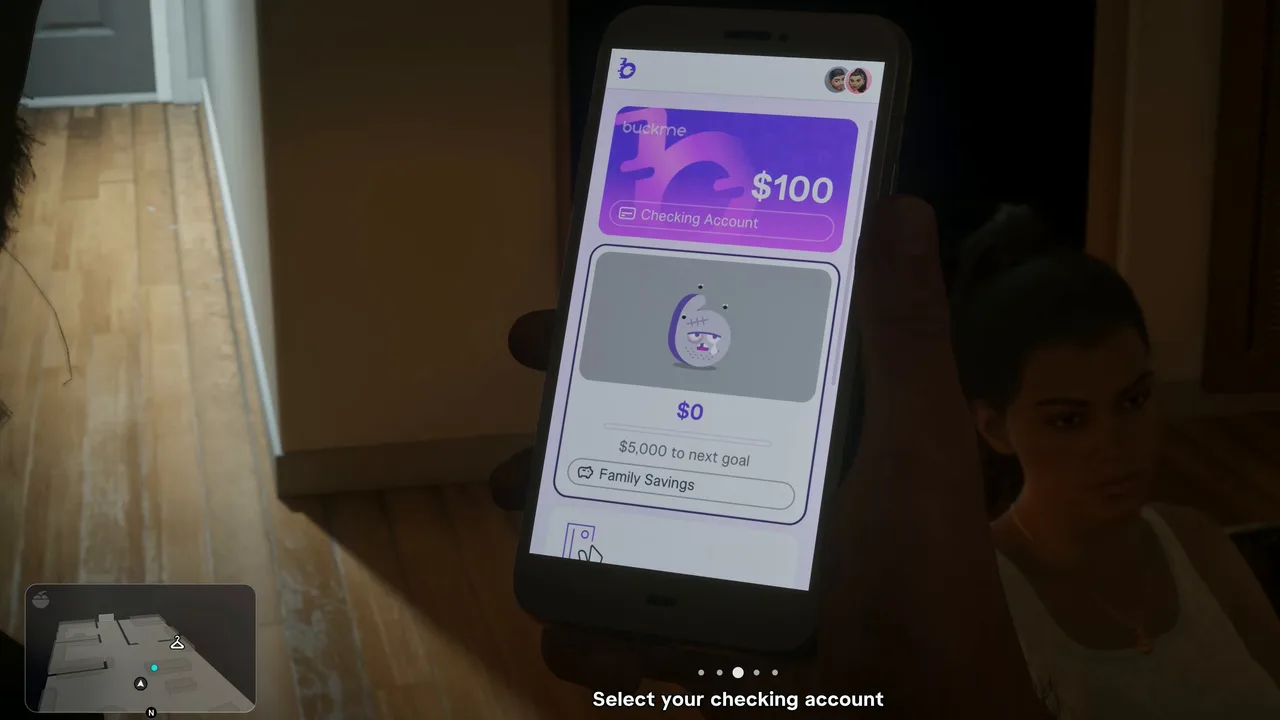 The two accounts. The checking card holds the welcome bonus. Footage: GTA Series Videos.
Select the savings card. The objective becomes Move money into Family Savings account and the amount screen fills in the full $100. Press Buck Yourself. A warning asks whether you’re sure, because you won’t be able to withdraw the money once it’s moved. Confirm.
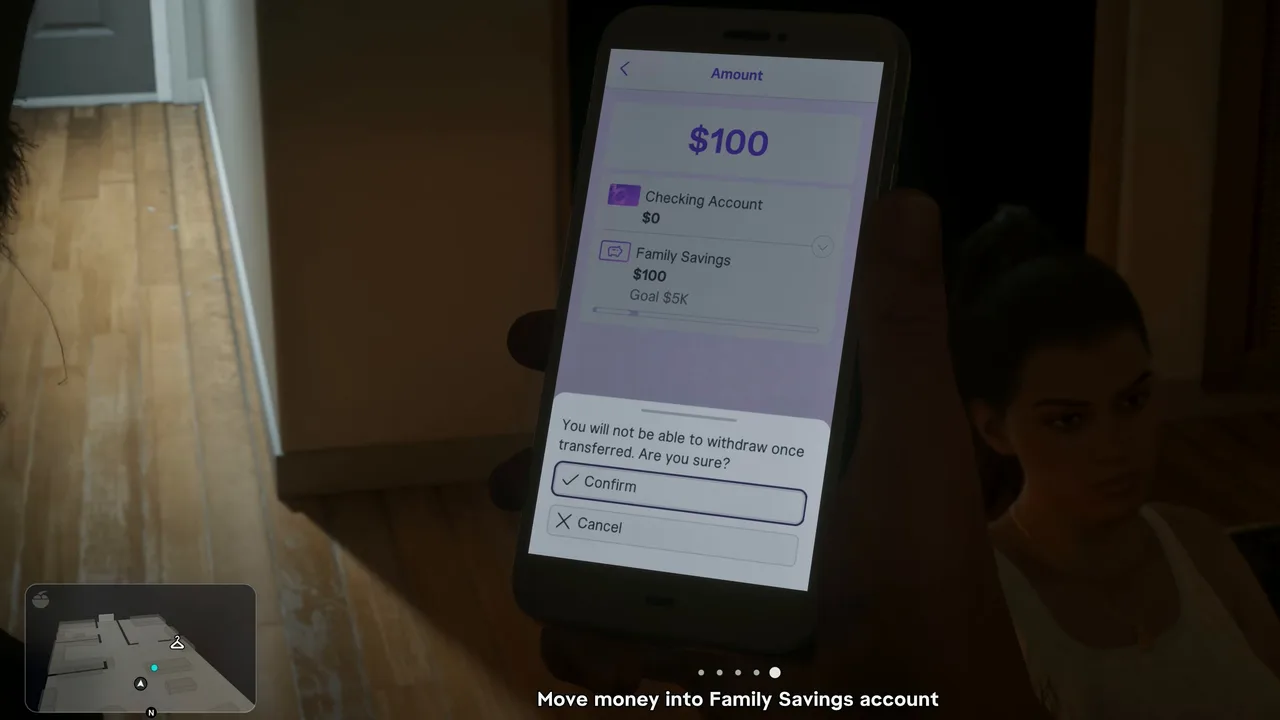 The one-way warning. Confirm to finish the mission. Footage: GTA Series Videos.
“Bucking Complete” fills the screen, a “$100 → Family” note pops up and the map updates: Buck Me is done. The savings card now shows $100 and $4,900 to go. Neither run shows a mission-passed screen; it ends quietly on the phone.
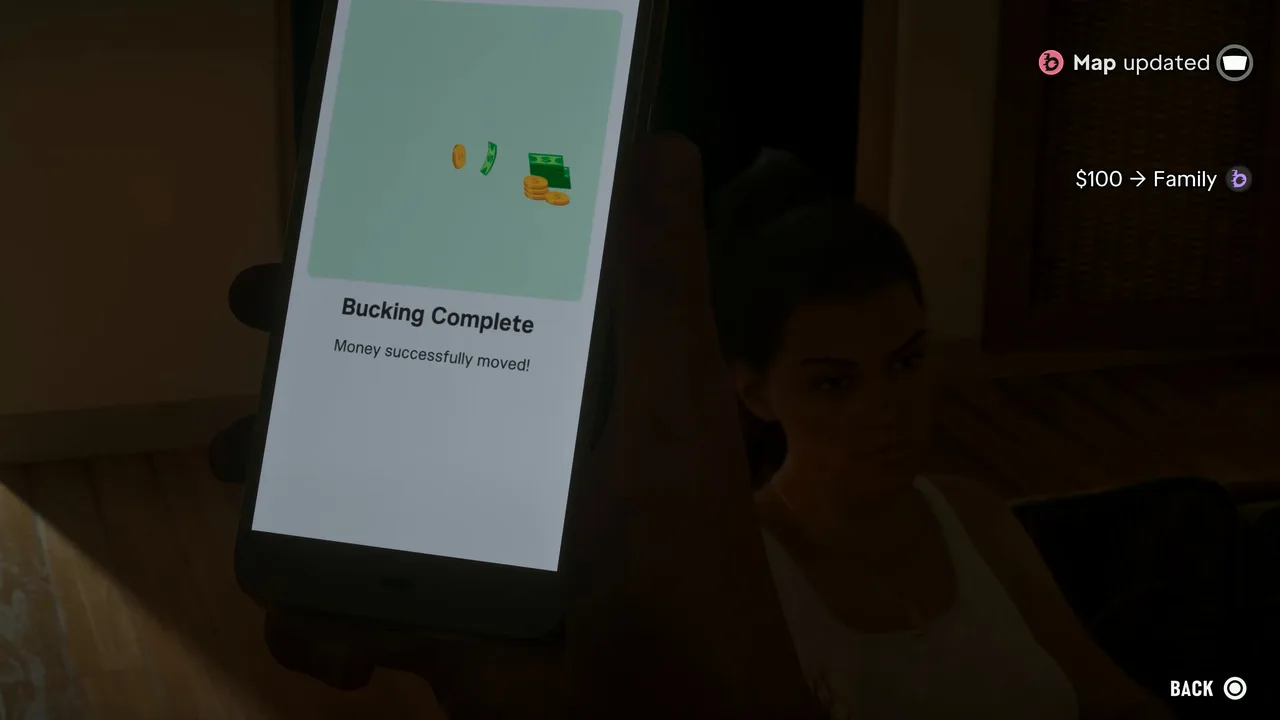 Bucking Complete. The mission ends here. Footage: GTA Series Videos.
Put the phone away. Lucia is flopped on the couch, sore-footed after her shift, and they agree the $100 is a start. Sit with her (the heart prompt) and they talk over the day: the manager, Cal’s theory that banks spend late fees on pleasure cruises for has-been celebrities and war criminals, and the empty bottles thrown at her work crew that day. One driver gets described in detail: a silver pickup with a “Wishing I Was Fishing” bumper sticker. We haven’t seen that pay off in a mission yet.
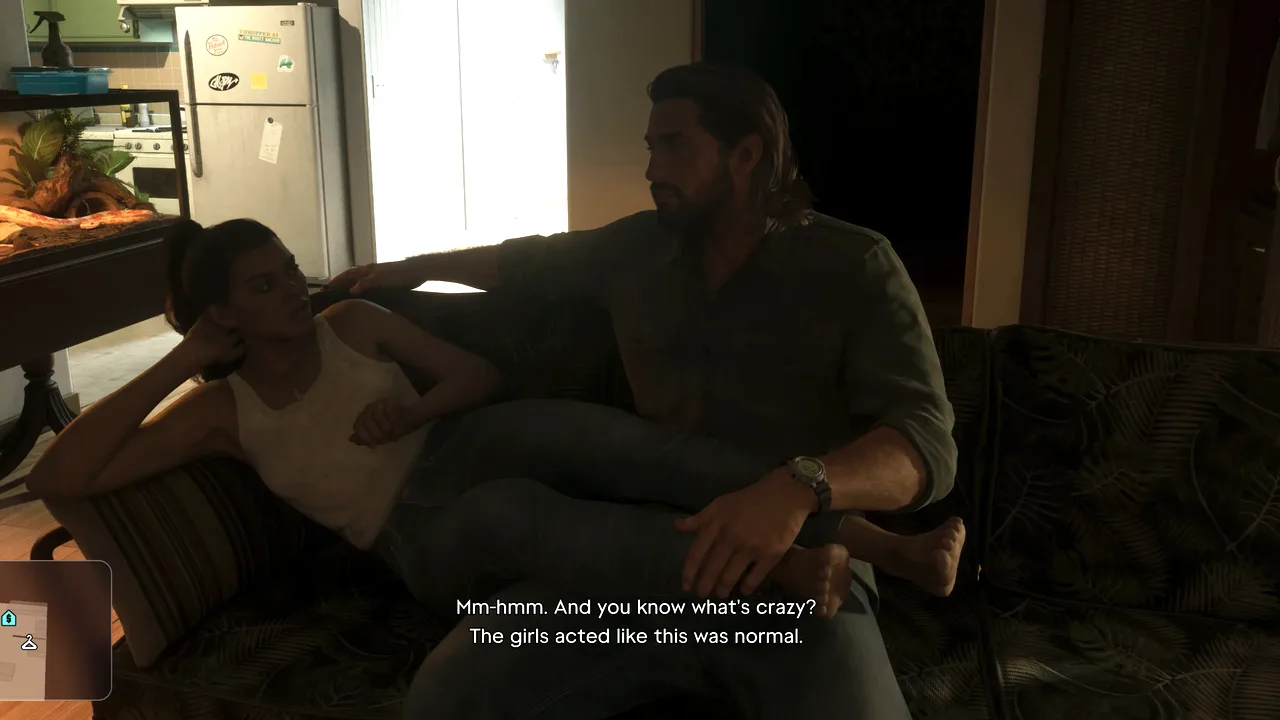 The optional couch chat after the mission. Footage: GTA Series Videos.
Rewards
- The BuckMe app. Your bank for the rest of the game: Pay Someone, Buck Yourself (move money into Family Savings), View Transactions, plus an ATM Finder that, as MrDalekJD shows, sets a route to the nearest machine. Your HUD now lists three balances: BuckMe (the purple “b”), pocket cash and the stash at home.
- $100 welcome deposit, which the last objective moves into Family Savings. Checking ends the mission at $0.
- A $15,000 checking limit. Trophy Tom’s checking screen shows “Limit $15K” straight after the mission, and MrDalekJD’s shows the same with $1,700 saved, so that seems to be the starting limit. Savings goals raise it later.
- Two new tasks: Deposit Cash Into BuckMe (put pocket cash in at any ATM) and Save for the Future (keep feeding Family Savings towards each goal).
- No trophy and no cash payout.
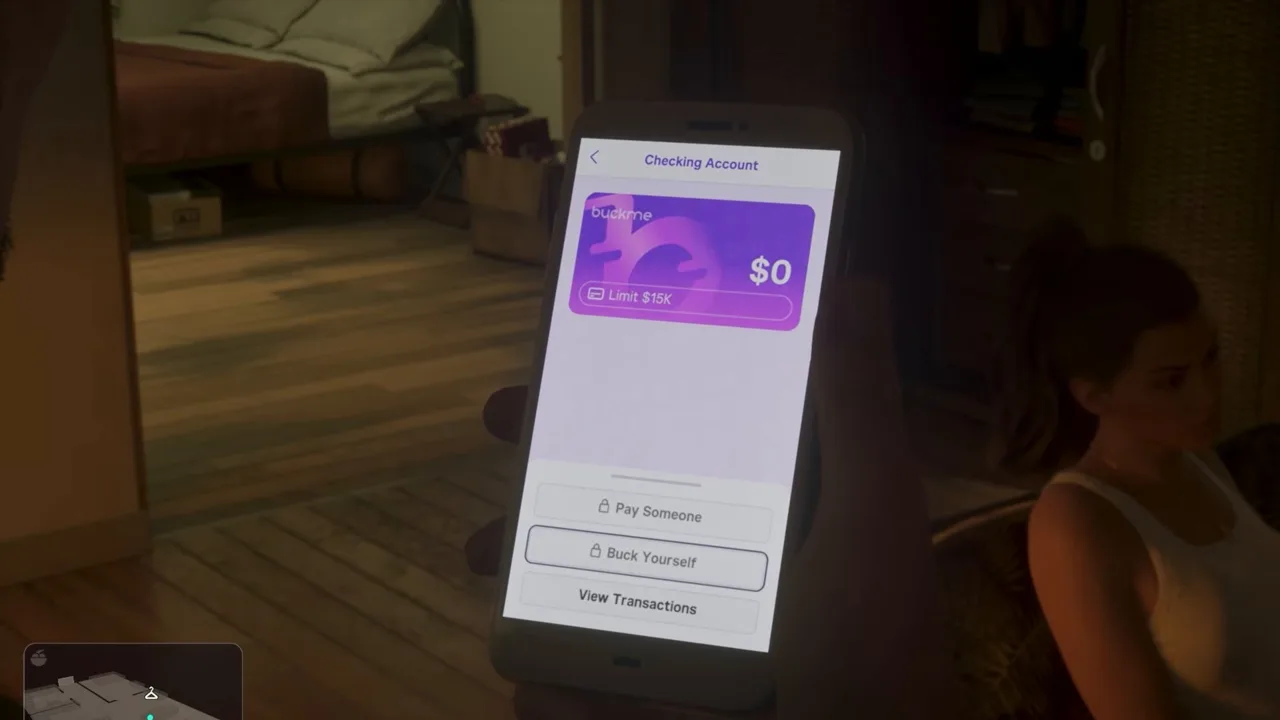 The checking account after the mission: $0 and a $15K limit. Footage: Trophy Tom.
Why the account matters
Until Buck Me you are cash only, and that has limits. Andrew at Chuck’s sells you a gun for cash only while the sale stays under $1,000 (Gear Up), and in vAnother Level’s shop run the pricier guns carry a “Requires a bank account” tag. From now on, anything over $1,000 comes out of BuckMe. More importantly, BuckMe money stays put when you die or get busted, while your pocket cash is lost.
Family Savings is the one bucket the game never takes back. Its first goal is $5,000, and the rewards on each goal (higher limits, RydeMe and garage discounts) are in the money guide. GameRiot banked cash at the ATM right after the mission, moved $4,900 across and got the “Congratulations on reaching your Family Savings goal” message on the spot. TGG hit the same $5,000 goal in his launch stream.
The Chapter 1 trap
Pocket cash, the floorboard stash and Jason’s house don’t survive the end of Chapter 1: you lose them in Recalibration and Tourist Trap. WiLLiSGaming’s warning is blunt: everything you farmed in Chapter 1 resets except what sits in Family Savings. Our money guide has the details. Get at least $5,000 into Family Savings before Recalibration.
WiLLiSGaming also says the $5,000 goal is needed to move the story on. The mission database lists Save for the Future as optional. Either way, money in savings is never wasted.
Tips
- Don’t skip the $100 transfer. The mission doesn’t end until you confirm it, and it already counts towards the first goal.
- Only save what you won’t spend. Family Savings is one-way. Keep enough in checking or your pocket for guns, armour and repairs in Chapter 1.
- Bank before you take risks. You can’t deposit from the phone; use an ATM. The Fleeca where this mission starts has one in the wall, and the app’s ATM Finder routes you to the nearest.
- Use the floorboard stash only short-term. It’s safe from death and arrest, but it goes with the house at the end of Chapter 1.
- Hit $5,000 in savings before Recalibration. It’s the one Chapter 1 money that comes with you.
Related guides
- Previous: Coming Home (#13), then Clean Up After Donnie (#14), which you can play before or after Buck Me. Next: Down to Earth (#16), Brian’s job at the marina. See all GTA 6 missions.
- GTA 6 money guide: BuckMe, Family Savings goals and the best early cash
- GTA 6 beginner tips: what to do with your first few thousand dollars
- Gear Up: Andrew’s under-$1,000 cash rule at Chuck’s
- GTA 6 characters: Jason, Lucia and Cal
- Interactive map: every bank in Leonida, including the Key Lento Fleeca
Frequently Asked Questions
How do you start Buck Me in GTA 6?
Finish Coming Home. Later the same day a task called Set Up Bank Account joins your list, and Lucia phones Jason to ask for a bank account. Drive to the Fleeca branch she pins, off the highway in Key Lento, and walk inside.
Why can't Jason open a bank account in Buck Me?
His credit is too poor. The Fleeca manager's computer refuses him even a basic checking account, never mind the loan Lucia wants for the house, so he signs the couple up for BuckMe, Fleeca's phone app, instead.
Do you have to put the $100 into Family Savings?
Yes. Moving the $100 welcome bonus into Family Savings is the mission's last objective. Money in that account can never be taken out, but it can never be lost either, and the $100 counts towards the first $5,000 goal.
Can you withdraw money from Family Savings in GTA 6?
No. The app warns you before every transfer that you won't be able to withdraw it. Only move money you won't need to spend in Chapter 1.
What does the BuckMe app do?
It is your bank from here on: deposit cash at any ATM (the app has an ATM finder), pay for anything over $1,000, send money with Pay Someone and grow Family Savings with Buck Yourself. Cash in the account survives death and arrest; cash in your pocket doesn't.
What mission comes after Buck Me?
Down to Earth, Brian's next job at the marina, opens once both Buck Me and Clean Up After Donnie are done. Buck Me also adds two banking tasks: Deposit Cash Into BuckMe and Save for the Future.
Sources & Credits
Researched from these videos and official material, among others. Screenshots credit the creator whose footage they come from.
- GTA 6 Mission #12 - Buck Me (Chapter 1) [Full Walkthrough - PS5 4K] · GTA Series Videos
- GTA 6 - Buck Me (Set Up Bank Account) - Full Walkthrough · Trophy Tom
- GTA 6 Gameplay Walkthrough Part 6 - FIND DONNIE PACKAGE & DOWN TO EARTH · GameRiot
- GTA 6 ULTIMATE BEGINNERS GUIDE! 32 Tips You NEED to Know (Don't Make These Mistakes) · MrDalekJD
- GTA 6 FAST CASH Method! Do This ASAP! · WiLLiSGaming
- GTA 6 - CHAPTER 2! Playing GTA 6 for the First Time · TGG
- GTA 6 Weapons Guide: Every Gun, Every Store & How to Get Them (Full Price List) · vAnother Level